


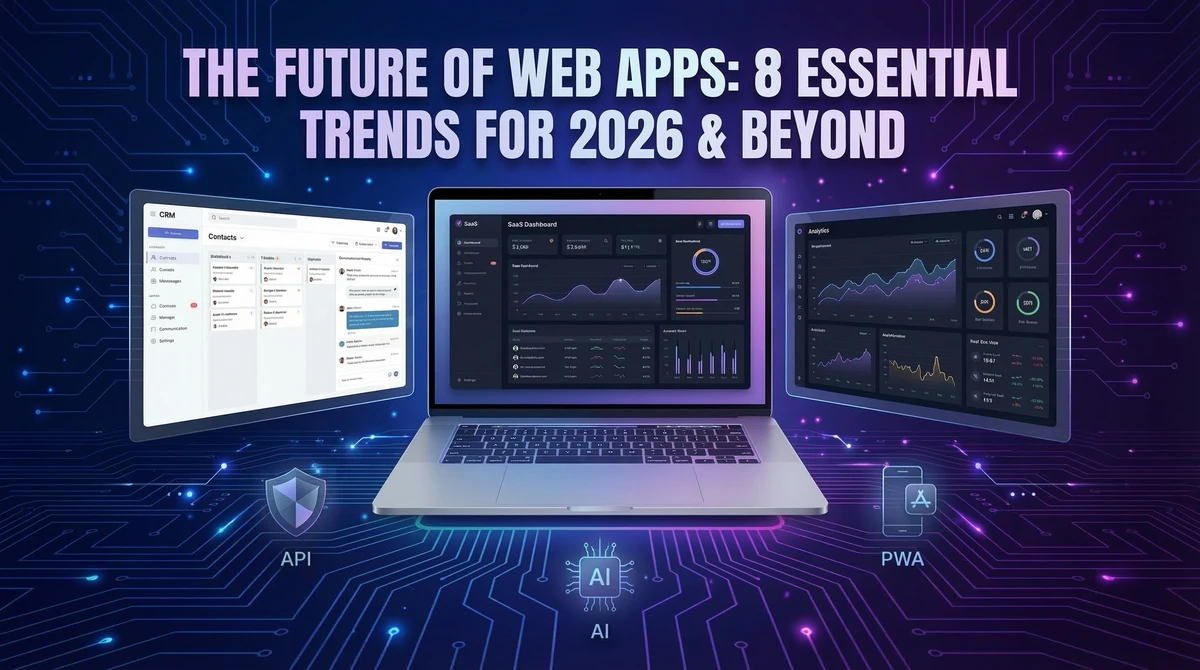
Planning a new web app, SaaS product, or internal tool in 2026 is not just about “getting a website built” anymore. The market, technology, and user expectations have changed fast, and projects that ignore these shifts end up slow, expensive, and obsolete the moment they launch.
In this guide, we’ll walk through 8 web app trends that actually matter for businesses this year—and how to use them to build something modern, scalable, and future‑proof.
1. AI‑First Web Apps (Not AI as an Add‑On)
AI is no longer a nice “extra feature” you bolt onto an app at the end. In 2026, many successful products are designed AI‑first: recommendations, assistants, automation, and smart insights are part of the core experience.
Examples include:
Dashboards that summarize your data and suggest next actions.
CRMs that predict which leads are most likely to convert.
SaaS tools that automatically generate reports or content drafts.
What this means for your project
Plan AI use cases in the discovery phase, not after launch.
Make sure your backend (APIs, databases) and security are strong enough to handle AI workflows and data.
Work with teams who understand both AI and solid engineering (Python / Node backends, queues, monitoring).
If your competitors are adding AI to save users time and you aren’t, your app will quickly feel outdated.
2. App‑Like Web Experiences and PWAs
Users expect web apps to feel as smooth as native mobile apps: instant loading, offline support, push notifications, and no clunky page reloads.
Progressive Web Apps (PWAs) and modern frameworks (like React and Next.js) make this possible:
Installable web apps on desktop/mobile.
Offline or poor‑connection support for key actions.
Background sync so data stays up to date.
What this means for your project
Ask your development partner how they handle performance, offline behavior, and caching, not just “responsive design”.
Consider a PWA if you’re tempted to build separate iOS + Android apps—often you can cover 80% of use cases with one high‑quality web app.
3. Real‑Time Dashboards and Embedded Analytics
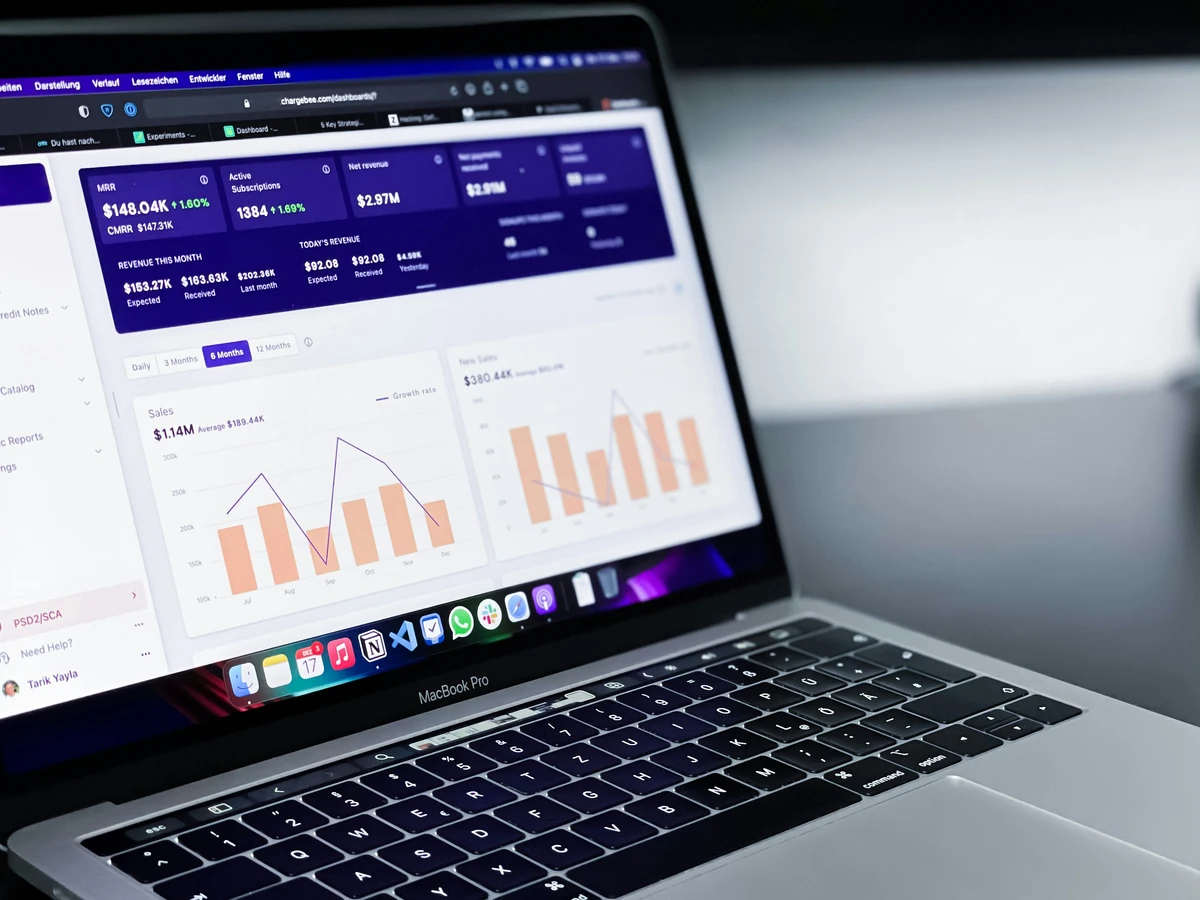
Static reports are dead. Growing teams want live dashboards that show what’s happening in their business right now: sales, leads, operations, support tickets, warehouse status, and more.
Trends we see:
Real‑time KPIs powered by strong databases like PostgreSQL and event systems.
Embedded analytics directly inside your CRM, admin, or SaaS product.
Drill‑down views by team, region, client, or project.
What this means for your project
Design dashboards as core screens, not just “a report page” at the end.
Choose a tech stack that supports real‑time features (WebSockets, event streams) and proper database design.
Think about who needs which data: managers, operators, clients—each may need their own view.
4. API‑First and Integration‑First Products
In 2026, very few tools live in isolation. Businesses expect your app to talk to their CRM, accounting system, marketing tools, analytics, and more.
The API‑first trend means:
You design your APIs (endpoints, authentication, rate limits) from day one.
Integrations are part of the roadmap, not “we’ll add Zapier later”.
Third parties can safely build on top of your platform.
What this means for your project
If you’re building a SaaS or internal platform, treat APIs as a product, not just a developer detail.
Ask your dev team to document APIs clearly (OpenAPI/Swagger), so future integrations are faster and cheaper.
This makes your app more “sticky” because it becomes part of your customer’s whole system.
5. Cloud‑Native: Serverless, Containers, and Docker
Speed, scalability, and reliability matter more as apps grow. That’s why modern projects increasingly use cloud‑native architectures, especially Docker containers and sometimes serverless functions.
Key benefits:
Easier scaling when traffic spikes.
More predictable deployments (same environment everywhere).
Better isolation and security between services.
What this means for your project
Make sure your app is designed to run in containers (e.g. Docker) from the start, not patched later.
Talk about CI/CD pipelines, staging environments, and rollbacks with your development partner, not just “uploading files to hosting”.
6. Performance‑First, Minimalist UI
Users abandon slow apps. Google also ranks sluggish sites lower in search. In 2026, leading teams design with performance‑first and clean, minimalist interfaces.
Trends include:
Fewer heavy animations and bloated libraries.
Smarter image and asset optimization.
Focus on clarity, spacing, and accessibility instead of flashy effects.
What this means for your project
Ask for Core Web Vitals as part of your acceptance criteria (LCP, CLS, etc.).
Prioritize usability: clear navigation, readable typography, and simple forms over decoration.
Minimalist does not mean “boring”—it means focused on what helps users get work done.
7. Security and Compliance by Default
Data breaches and regulations make security non‑negotiable. Businesses now expect security to be baked into apps from day one, not bolted on later.
Common requirements:
Secure authentication and role‑based access control.
Encrypted connections and secure storage of sensitive data.
Audit logs and activity history for critical actions.
What this means for your project
When scoping your app, include security features as core requirements: roles, permissions, password policies, logging, backups.
If you’re in regulated industries (health, finance, legal), mention compliance needs early so the architecture fits them.
Choose teams comfortable with secure backends, database design, and deployment—not just “pretty UIs”.
8. Micro‑SaaS and Vertical SaaS (Niche Wins)
Instead of trying to build “the next big platform for everyone”, many successful products in 2026 are micro‑SaaS or vertical SaaS: small, focused tools solving a deep problem for a specific niche.
Examples:
A CRM just for real‑estate agencies.
A scheduling tool only for medical clinics.
A reporting dashboard for logistics companies.
What this means for your project
If you’re a founder, it’s often better to own a niche than compete with huge generic tools.
If you’re a business, a focused custom app can fit your workflow better than a general tool with 100 unused features.
Custom development with the right stack (e.g. Python/Node, React, PostgreSQL, Docker) lets you move fast and adapt as your niche changes.
How to Use These Trends for Your Next Project
You don’t need to follow every trend blindly. The goal is to pick the ones that:
Match your business model (internal tool vs SaaS).
Fit your team and budget.
Give you a real advantage over competitors.
At DevStudioAl, we design and build custom web apps, SaaS products, CRMs, dashboards, and bots using modern technologies like Python, Node.js, Next.js, React, PostgreSQL, and Docker. We focus on practical trends that make your product faster, smarter, and easier to scale—without unnecessary complexity.
Thinking About a Web App in 2026? Let’s Talk
If you’re planning a new project or wondering how to modernize an old one, this is the perfect time to align it with where the web is actually going, not where it was five years ago.
We can help you:
Clarify your idea and choose the right features for version 1.
Pick a tech stack that fits your goals and budget.
Design a roadmap that keeps your app on‑trend and maintainable.
Book a free 20‑minute consultation with DevStudioAl to discuss your web app, SaaS, CRM, or dashboard idea. We’ll walk you through what these 2026 trends mean for your specific business and how to turn them into a real, scalable product.
Loading comments...